Connect your AI assistant
Ask Claude about your cards, sales and trades.
Claude
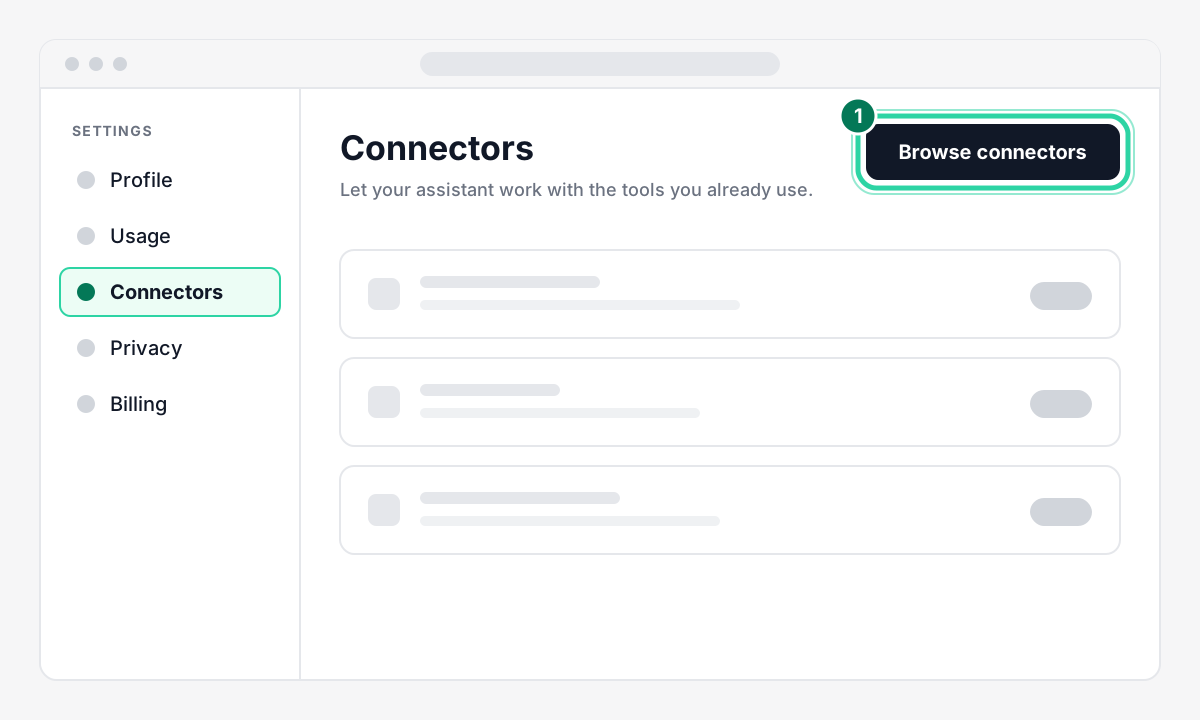
Open Claude. Go to Settings → Connectors.
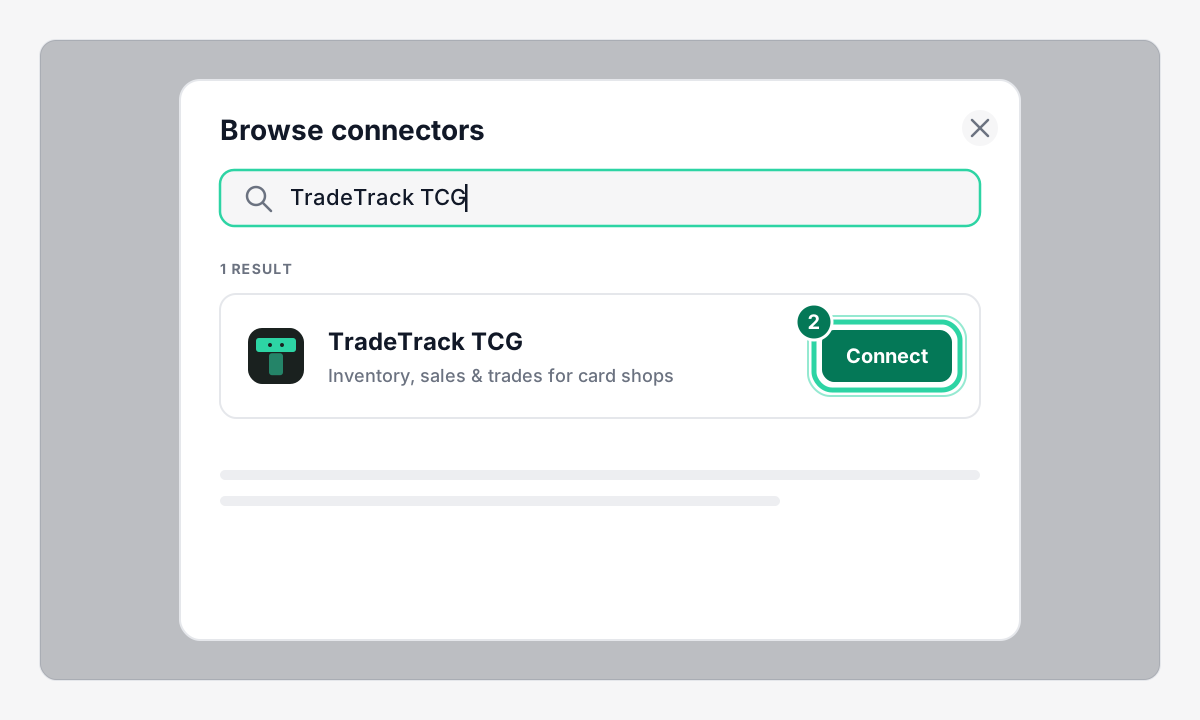
Tap Browse connectors, search TradeTrack TCG, tap Connect.
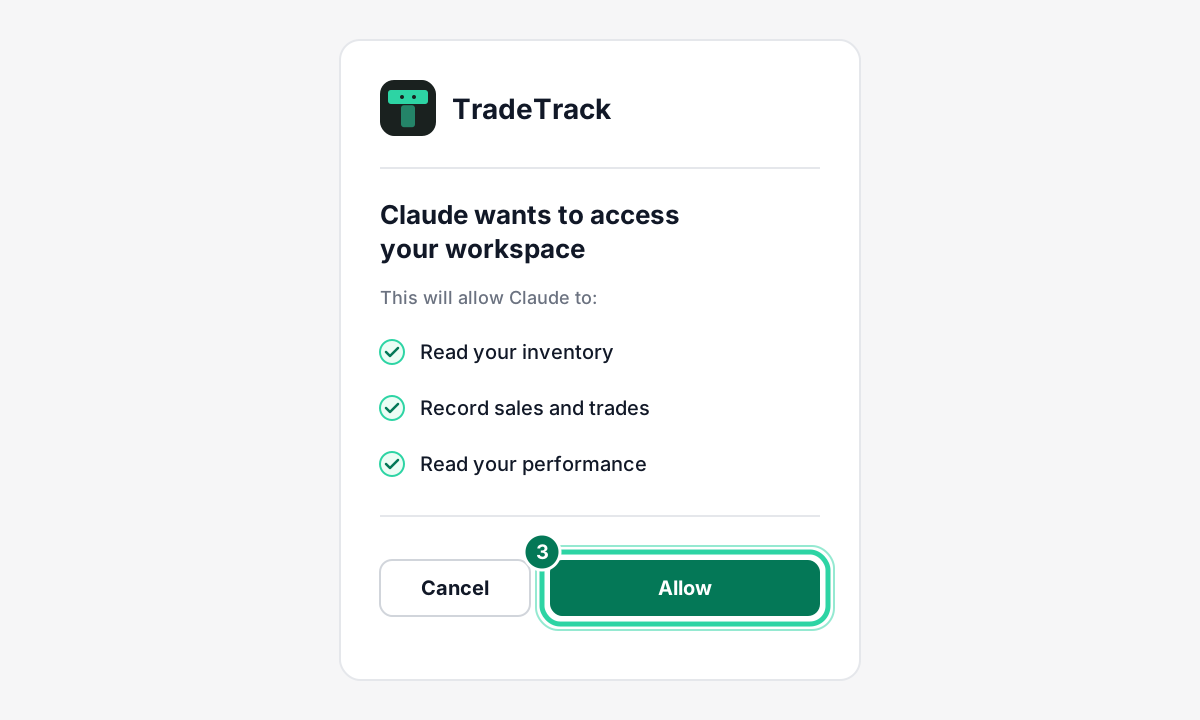
Sign in to TradeTrack and tap Allow.
Not listed? Use Add custom connector with the address below.
Other assistants
Add the address in your assistant's connector or MCP settings, then sign in and tap Allow.
Address
ChatGPT
Open Settings → Connectors.
Turn on Developer mode. It needs a paid ChatGPT plan and the web version.
Tap Create and paste the URL.
Choose OAuth as the sign-in method.
Cursor
Open Settings → MCP.
Tap Add new MCP server.
Choose the HTTP (remote) type and paste the URL.
Claude Code
Run this command:
claude mcp add --transport http tradetrack https://www.tradetracktcg.com/api/mcpIn Claude Code, run
/mcpand choose to authenticate.
Try asking
- "What did I sell this week and what was my profit?"
- "Add a PSA 10 Charizard from Base Set, bought for $1,200"
It can
- View inventory, sales, trades and performance
- Add and edit inventory
- Record and reverse sales and trades
- Invite and remove staff (admins only)
It can never
- Buy or remove seats
- Change your subscription
- Delete your account
Connecting and using tools works on every plan, including Free. Staff and team tools need Vendor Teams.